
Ethernet or Wi-Fi? Choosing the Right Connection for IPTV
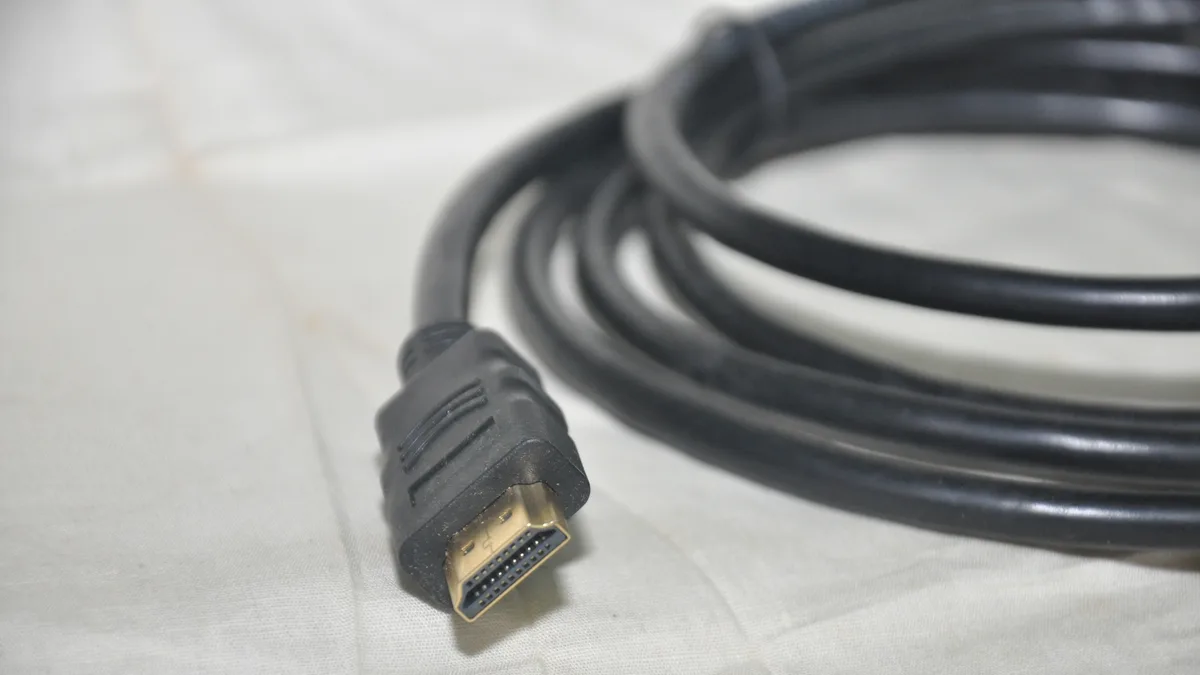
Either connection type can carry IPTV just fine on paper, but they hold up differently once real-world conditions get involved — and the gap widens the higher your streaming resolution goes.
What makes wired the steadier choice
An Ethernet cable doesn't care about walls, router distance, or nearby wireless interference, which is exactly why it holds up better under the sustained high bitrates that something like 4K demands.
Where Wi-Fi still holds its own
For HD and the bulk of Full HD viewing, a decent Wi-Fi signal near the router is generally plenty, and it saves you from running a cable to devices that aren't near an easy Ethernet port.
When it's worth switching to a cable
If 4K is a regular part of your viewing, several devices are streaming at once, or Wi-Fi keeps buffering on you, plugging in an Ethernet cable is often the single change that fixes it.
Getting more out of Wi-Fi when wired isn't practical
Position your streaming device where it has a clear line to the router, keep thick walls and large appliances out of the way, and try to avoid streaming during your network's busiest hours.
Not sure which is the bottleneck?
Plug in a cable temporarily and compare the results side by side. Whichever way you go, our buffering troubleshooting guide has more fixes to try.