
How to Fix IPTV Buffering Issues
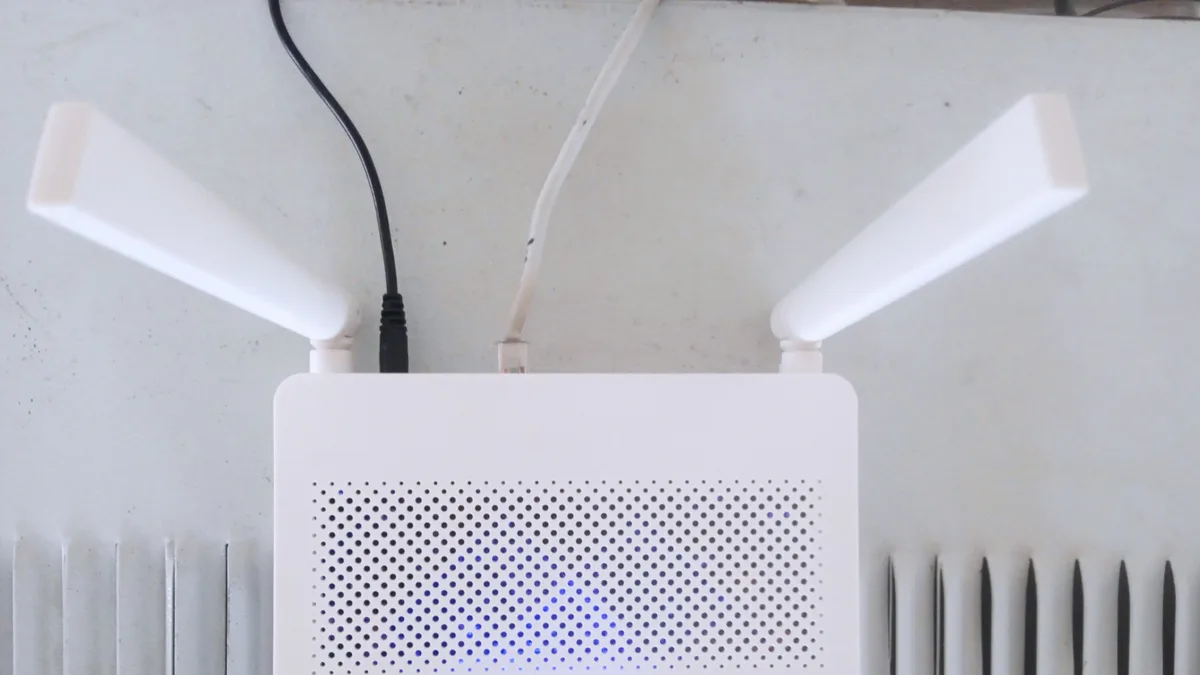
Buffering — that annoying pause-and-reload cycle — tops the list of IPTV complaints, but pinning down the cause is usually pretty simple. Work through these steps in order.
1. Test your actual internet speed
Run a speed test on the exact network, and ideally the exact device, you're streaming from. Anything under roughly 15 Mbps is probably your bottleneck. Our internet speed guide has benchmarks broken down by resolution.
2. Switch from Wi-Fi to Ethernet where possible
Wi-Fi is handy, but it's also far more susceptible to interference and dropped signal than a cable. If your device can take an Ethernet connection — directly or through an adapter — this single change often solves persistent buffering on its own.
3. Check for other devices competing for bandwidth
A big download, a video call, or someone else streaming in the house can all quietly eat into the bandwidth your IPTV stream needs. Pausing that other activity while you watch often clears up intermittent buffering.
4. Lower the stream quality setting
Nearly every player app lets you drop the resolution manually. If your connection can't hold steady at 4K or Full HD, stepping down to HD frequently eliminates the buffering altogether.
5. Restart your device and router
It's an obvious move, but restarting clears out lingering memory issues and gives your network connection a fresh start — often all it takes for occasional buffering.
Still buffering?
If none of that fixes it, the problem might sit with a single channel's source rather than your own setup. Check our FAQ page or contact support and we'll look into it.