
8 Ways to Get a Cleaner IPTV Picture
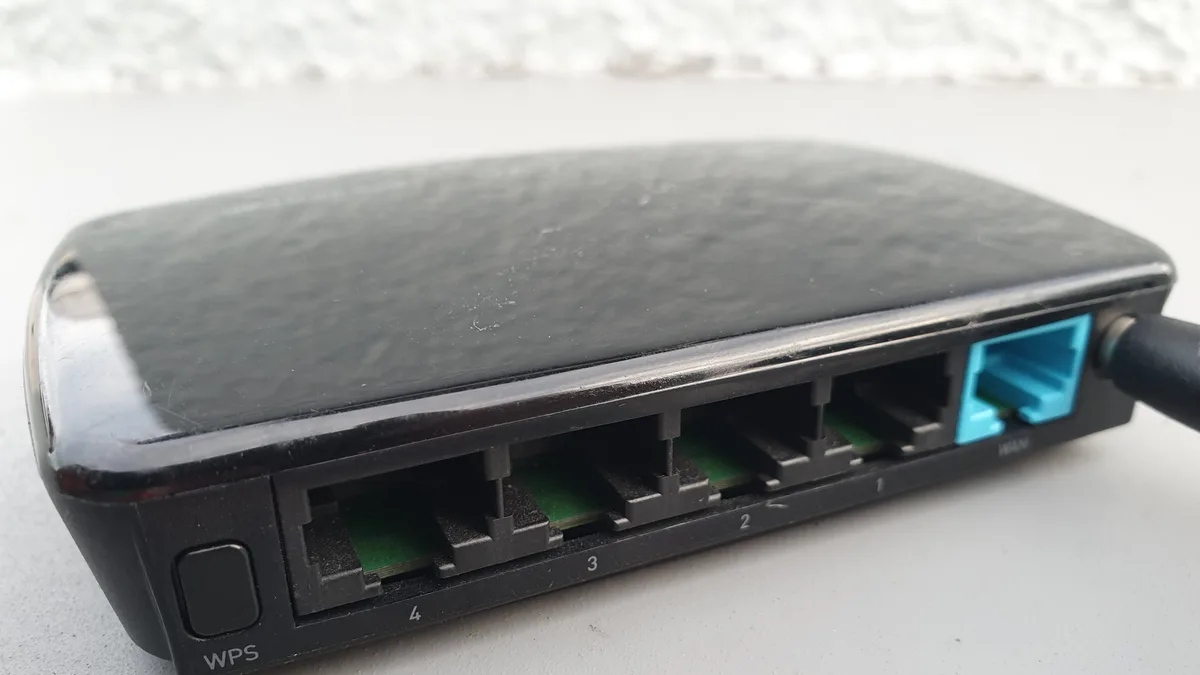
A sharper, more dependable IPTV picture usually has less to do with paying for a bigger internet plan and more to do with tightening up what you already have. Try these eight changes before assuming you need to upgrade anything.
1. Plug in instead of going wireless
An Ethernet cable beats Wi-Fi on consistency almost every time, and for streaming, steady performance counts for more than top theoretical speed.
2. Think about where your router sits
Stuck with Wi-Fi? Keep your streaming device in a clear line of sight to the router, away from thick walls, large furniture, or appliances that can weaken the signal.
3. Reboot your router now and then
Routers left running for weeks at a stretch tend to slow down gradually. A quick restart clears out temporary buildup and can noticeably restore throughput.
4. Shut down apps you're not using
Background apps and open browser tabs on your phone, tablet, or computer quietly chew through bandwidth and processing power that your stream could otherwise use.
5. Choose a resolution your connection can hold
Settling on a resolution your connection handles comfortably beats aiming higher and buffering constantly. Our HD vs Full HD vs 4K breakdown can help you decide.
6. Keep your player app current
Updates often bring playback fixes and stability improvements under the hood — an outdated app is a common, overlooked cause of quality problems.
7. Watch out for busy network hours
If your household or your whole neighborhood has predictable rush hours online, expect quality to dip during those windows no matter how well your own setup is tuned.
8. Try a second device
If the problem sticks around after everything else, switching to another device tells you whether the issue lives in your network or in one particular piece of hardware.
Still running into trouble after these steps? Our guide on fixing IPTV buffering covers deeper troubleshooting.