
How to Set Up IPTV on Android TV
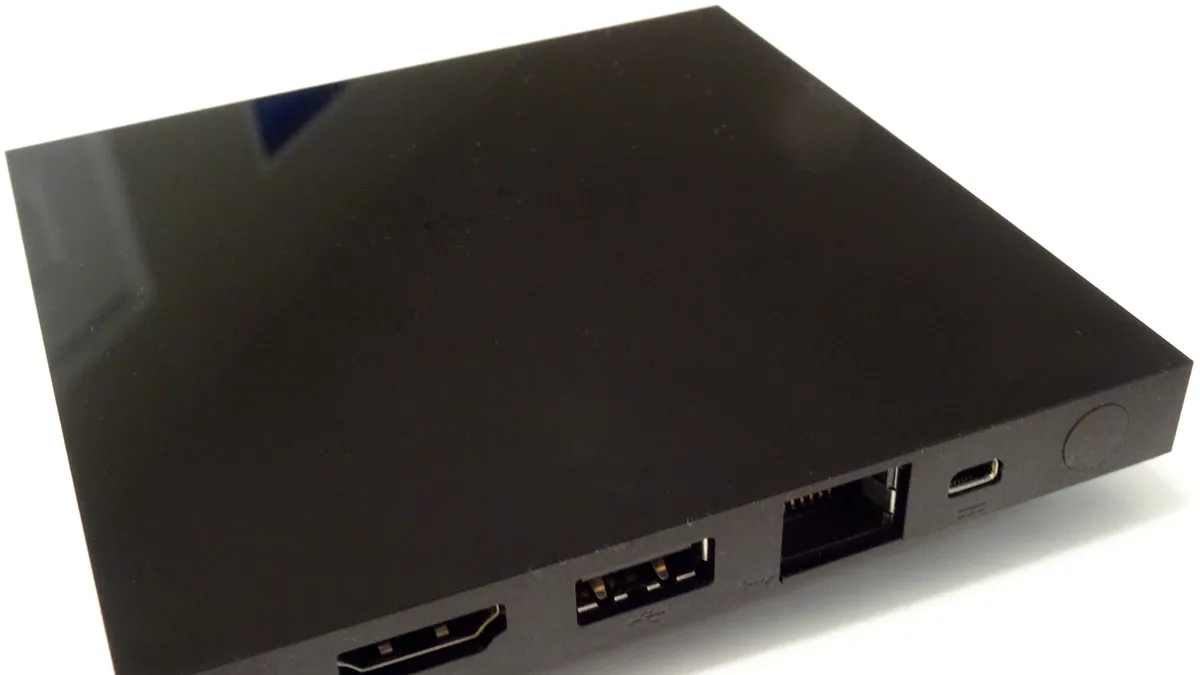
Among streaming platforms, Android TV has an edge: most IPTV player apps live right in the Google Play Store, so there's no sideloading to bother with. Here's the shape of the process at a high level — our full Android TV installation guide walks through every screen.
Where Android TV shows up
This covers dedicated Android TV boxes, Chromecast with Google TV, and any smart TV running Android TV or Google TV as its operating system.
The core steps
Open the Play Store, look up a supported IPTV player, install it, and then add your subscription using your username, password, and server URL — or your M3U link, depending on how your account was set up.
Letting the channel list sync
Give the app a bit of time after you add your playlist to pull down the complete channel list and EPG data. This is also the stage where guide problems tend to surface — if the program guide stays blank, our guide on fixing EPG issues can help.
Organizing your channels
Once you've got a sense of which channels you actually watch, most Android TV IPTV players let you favorite them so they sit at the top of the list.
Next steps
Haven't subscribed yet? Compare IPTV World Pro plans first, or swing by the devices page to make sure Android TV fits what you're trying to do.